|
|
|
Viewing Timing Analysis Results (TimeQuest Timing Analyzer) |
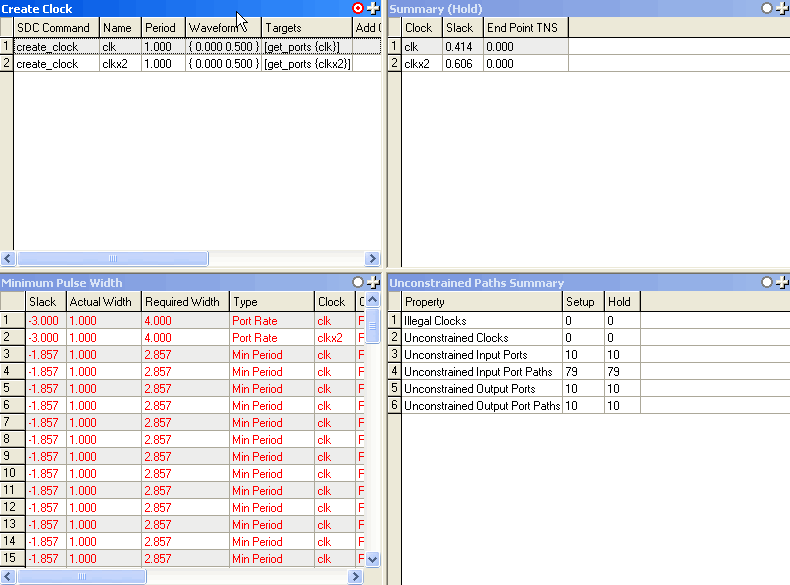
The TimeQuest Timing Analyzer displays various graphical and text-based reports detailing timing analysis results. You can generate reports following a successful TimeQuest analysis. The Report pane displays a list of generated reports that are available for display in the View pane. You can also manipulate the View pane to display multiple reports.
There are two types of reports:
Individual— Reports timing analysis information based on default settings for clocks in the design.
Custom— Reports you can customize to report timing analysis information for net timing, timing paths, or slack.
You can also use macros to generate several related reports at once.
 To view TimeQuest timing analysis
results:
To view TimeQuest timing analysis
results:
To organize reports in the View pane: