|
|
|
|
|
|
View Pane |
|
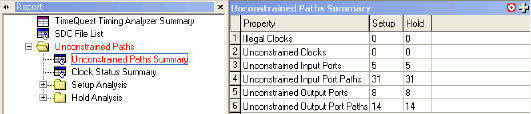
The View pane displays the following information:
Getting started information when you first open the TimeQuest Timing Analyzer.
The timing analysis report you select in the Report pane.
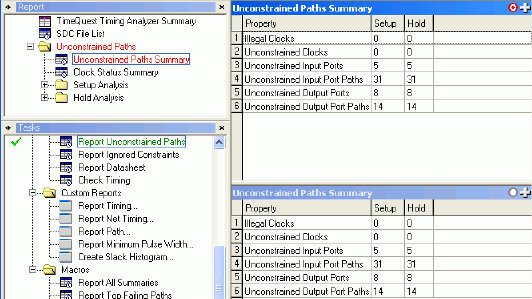
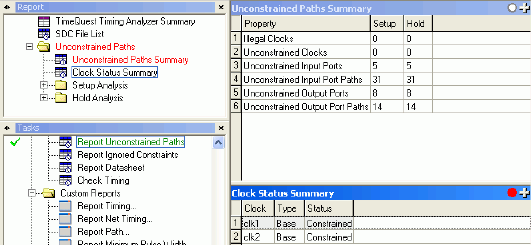
The View pane includes a target icon that allows you to specify where you want report data to appear. This is particularly useful if you split the View pane into multiple sub-panes. The following table describes the target icons that can appear in a sub-pane.
|
Target Icon |
Description |
|
|
The sub-pane is both the focal pane as well as the target pane for all report output that the TimeQuest analyzer generates. |
|
|
The sub-pane is not the target pane for all output that the TimeQuest analyzer generates from the focal pane. You can click this icon once to select it as the target pane or twice to select it as both the focal and target panes. |
|
|
The sub-pane is the currently selected viewing location for content that the TimeQuest analyzer generates even if you select another pane as the focal pane. |

You cannot move or close the View pane, but you can use the Split Window commands to view multiple reports or more than one view of the same report.

Copyright© 2005-2014 Altera Corporation. All rights reserved. ALTERA, ARRIA, CYCLONE, MAX, MEGACORE, NIOS, QUARTUS, STRATIX, and all other brands, unless noted otherwise, and/or trademarks of Altera Corporation in the U.S. and other countries.