Installation Process for Intel® PROSet/Wireless Software
Content Type: Install & Setup | Article ID: 000044646 | Last Reviewed: 01/21/2021
| Important Notice | Intel® PROSet/Wireless Software Legacy and DCH versions have been placed in End-of-Life (EOL) status starting with software package version 21.50.X onwards. |
On Windows® 10, you only need to install the Wi-Fi driver, not the whole Intel® PROSet/Wireless Software package. Starting with release version 20.120, a driver-only installation package is provided on Download Center.
| Note | Your system manufacturer may have pre-installed the DCH-Compliant Intel® PROSet/Wireless Software on your system to enable OEM-specific features. You should get the latest OEM-specific, DCH-compliant Intel® PROSet/Wireless Software from your computer manufacturer support. You may lose OEM-specific features if you uninstall DCH-compliant Intel® PROSet/Wireless Software. |
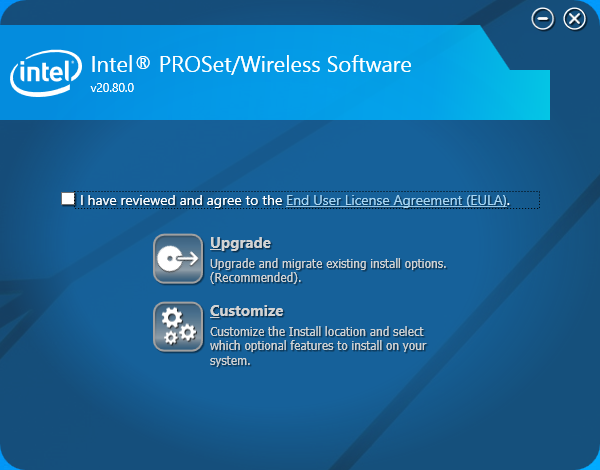
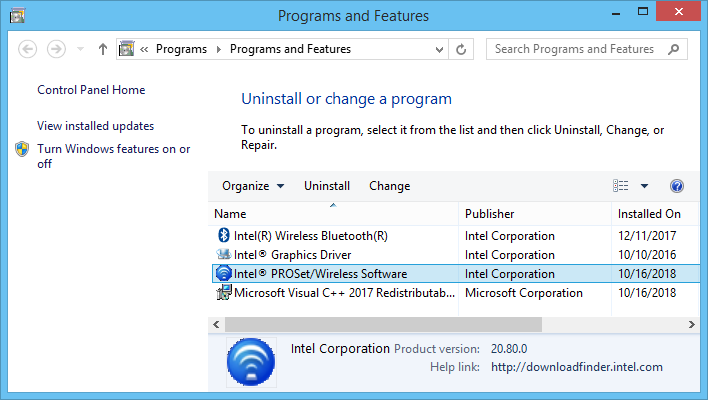
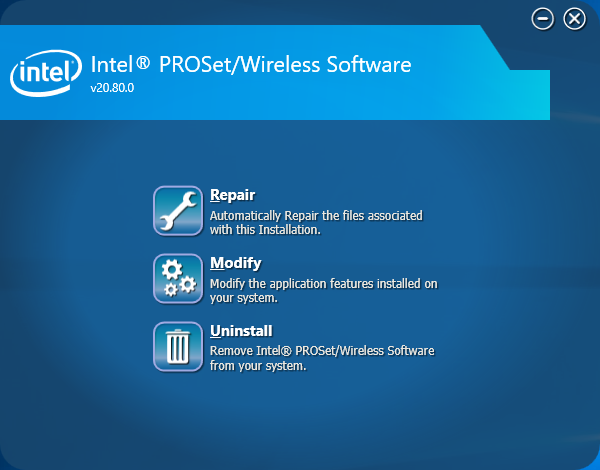
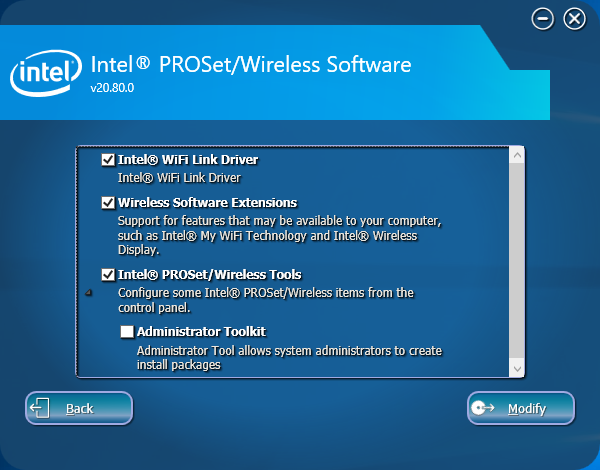
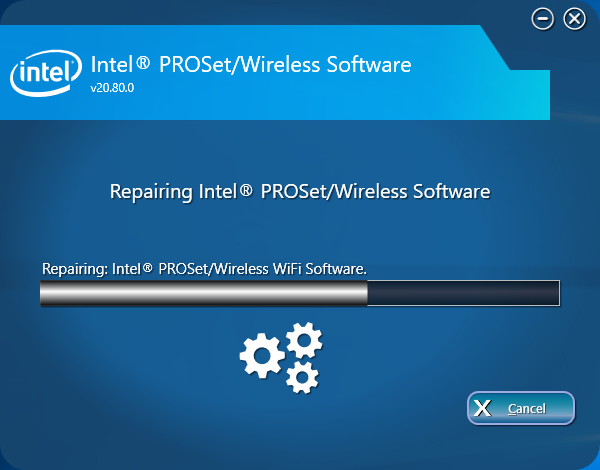
| Note | If your system already has the same version of Intel® PROSet/Wireless Software installed, you'll see the Repair, Modify, or Uninstall options instead. |
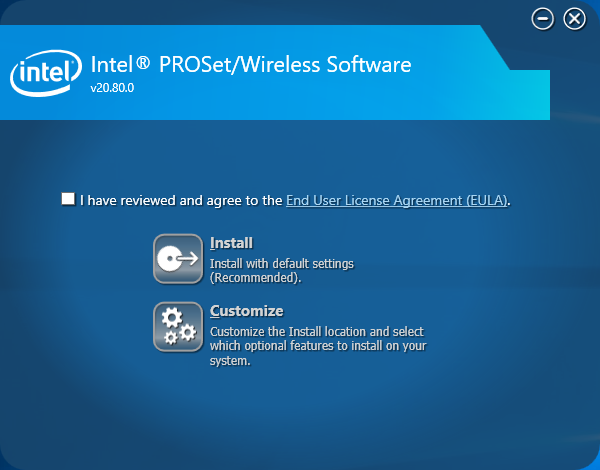
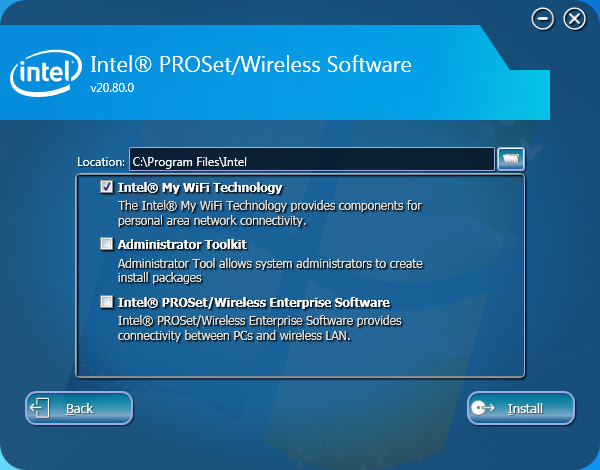
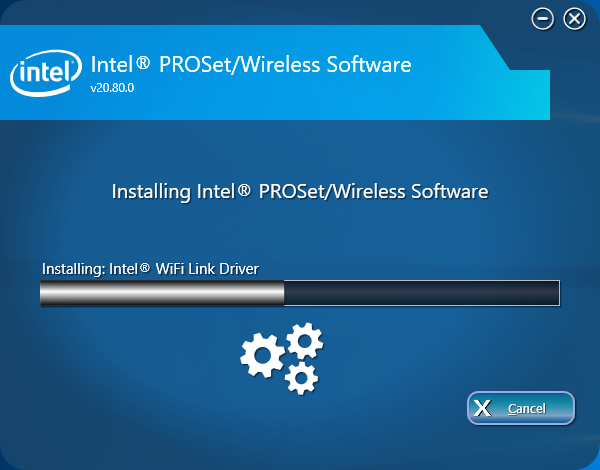
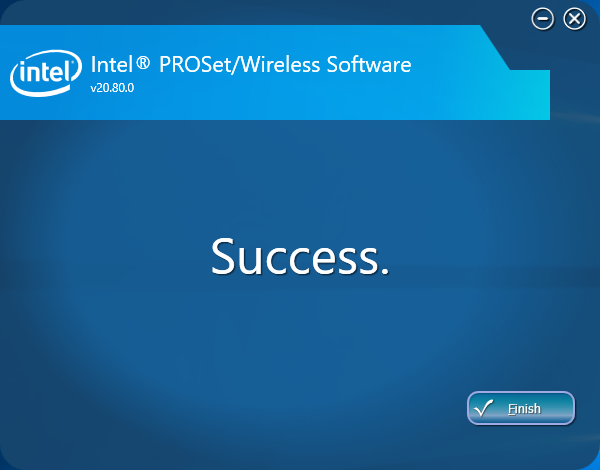
| Note | If your system already has the same version of Intel® PROSet/Wireless Software installed, you'll see the Repair, Modify, or Uninstall options instead. |
| Related topics |
| Automatically identify and find drivers |
| Learn about Intel® PROSet/Wireless Software |
| Understanding the Software Package and the Driver Version |