Intel® Application Optimization User Interface Setup - Intel® IPF Less Than Minimum Required Version
Content Type: Error Messages | Article ID: 000102396 | Last Reviewed: 01/06/2026
During Intel® Application Optimization user interface installation, the set-up process terminates with the message: Intel® IPF version less than minimum required version.
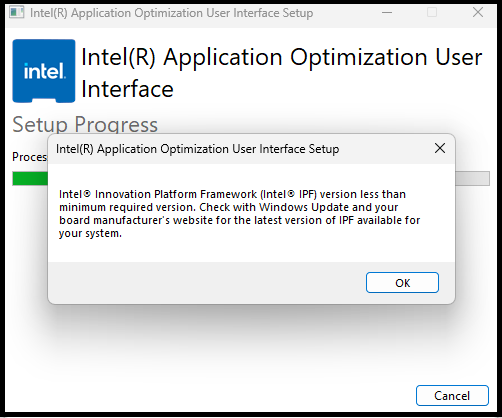
This message typically occurs due to missing or outdated Intel® Dynamic Tuning Technology (Intel® DTT) or Intel® Platform Innovation Framework (Intel® IPF) components on your system.
First, ensure your processor is supported by visiting Intel® Application Optimization Overview and checking the Verified processors supported by Intel® Application Optimization and Processors with limited Advanced Mode support lists.
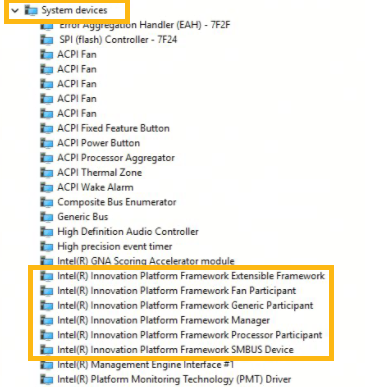
Follow the steps below to ensure you have the minimum required version of Intel® IPF/Intel® DTT to successfully install the Intel® Application Optimization user interface:
| Note | Some system manufacturers may not have the latest Intel® DTT to utilize the Intel® Application Optimization with Advanced Mode, especially for older systems, such as Intel® Core™ Processors (12th, 13th and 14th Generation). If a version of Intel® DTT 11405 or later is not available, Intel® Application Optimization may not install or may install without Advanced Mode support.. |