Processor COF/COA Detection Utility
Content Type: Product Information & Documentation | Article ID: 000102591 | Last Reviewed: 03/03/2026
The Intel Processor COF/COA Detection Utility allows customers to quickly identify a CPU's Country of Fabrication (COF) and Country of Assembly (COA) using QR codes or barcode input. This FAQ covers common questions related to using the tool on web and mobile browsers.
You can open the utility using any browser such as Chrome*, Edge*, or Safari* by navigating to cofutility.intel.com.
For optimal results and accuracy, a hardware barcode scanner is the recommended method for scanning.
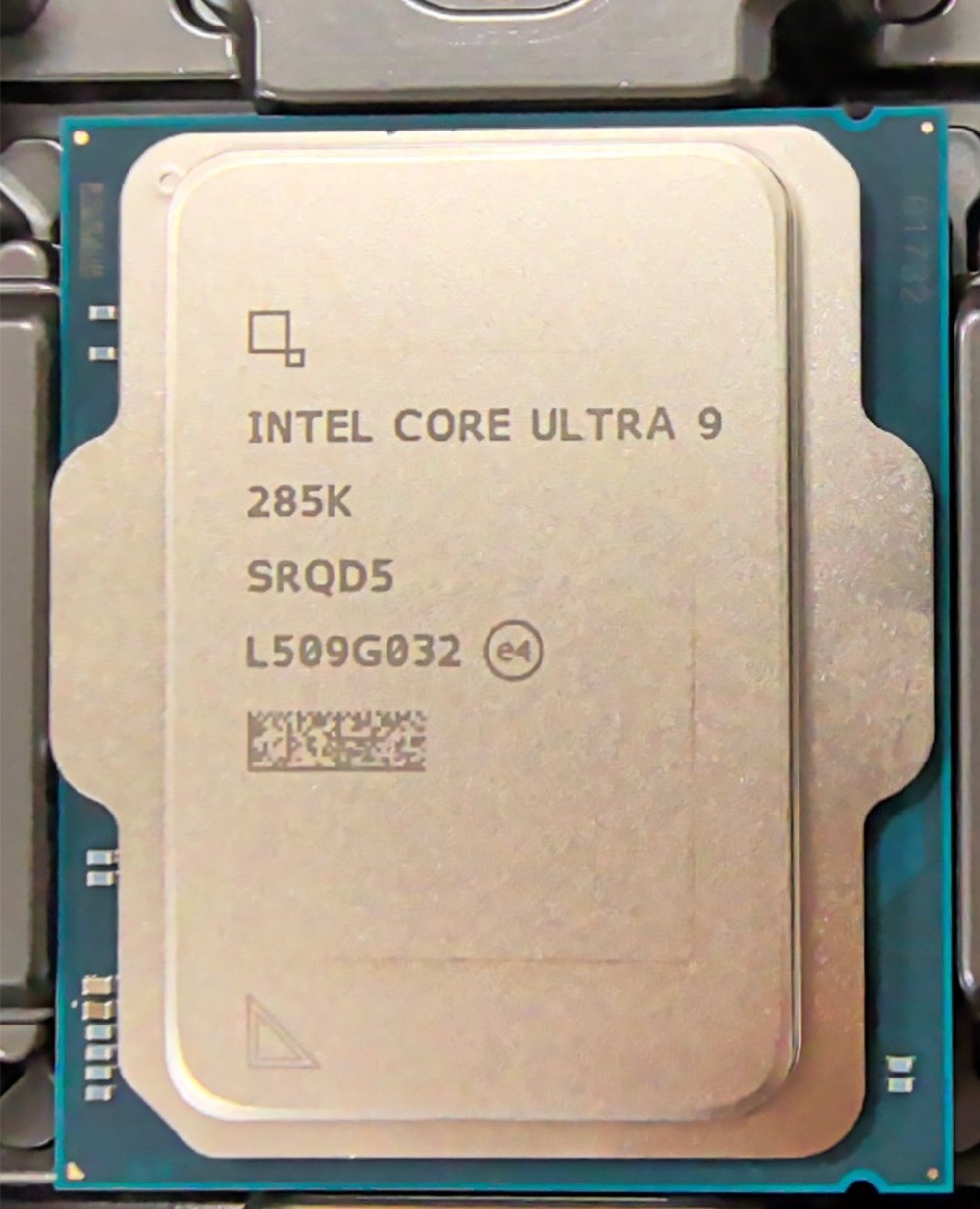
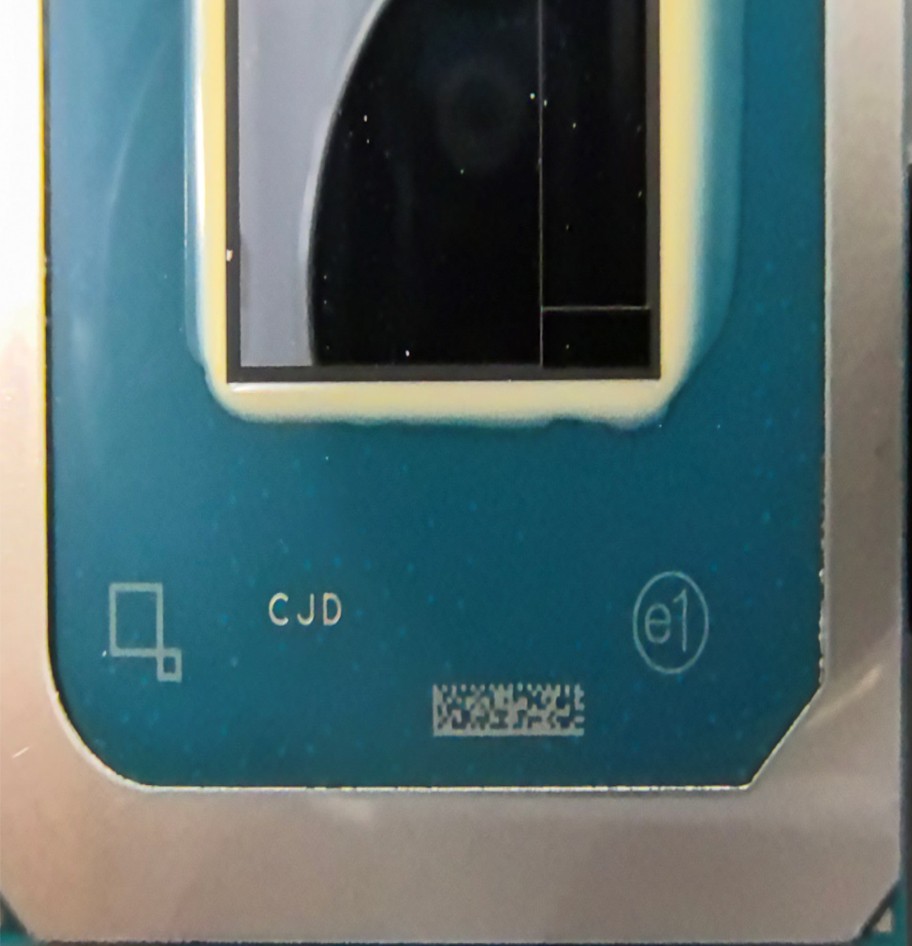
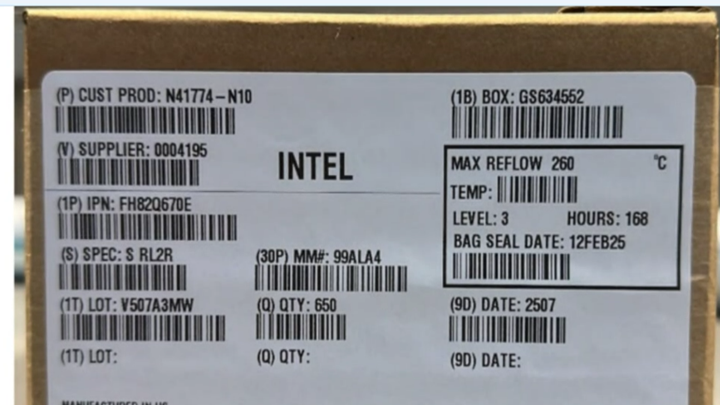
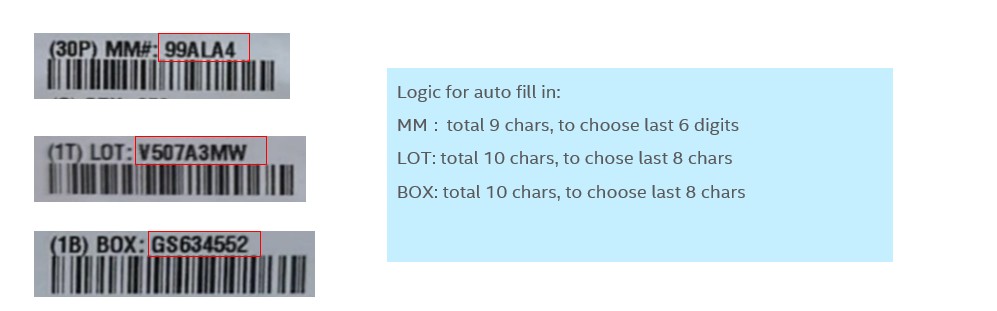
Server CPUs require manual input.
If the system returns a failure message after clicking Verify Now, it may be due to:
If you see a Network error. Please check your network settings and try again later message, this indicates that:
When scheduled maintenance is underway, users will see a notification message on the home screen of the utility.
Follow up at cof.utility.support@intel.com.
Yes. The COF/COA Detection Utility is available via the Intel Customer Support WeChat Account.