Cannot Access Intel Confidential Documentation from Intel® Resource and Documentation Center and/or Intel® Developer Zone
Content Type: Product Information & Documentation | Article ID: 000101488 | Last Reviewed: 11/03/2025
Accessing secured, targeted, Intel Confidential, or Internal-only content requires users to log in with a Development Zone (DevZone) Premier entitlement.
Ensure you have the appropriate entitlement before attempting to view secured content. If a lock symbol appears in the document title, it indicates that specific authorization is required. If you know who your Intel Account Owner is, you may reach out to them directly to request your access.
Alternatively, you may contact one of Intel’s Authorized Distributors in your country or region, who can assist you with your documentation needs.
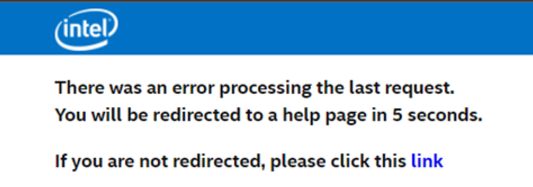
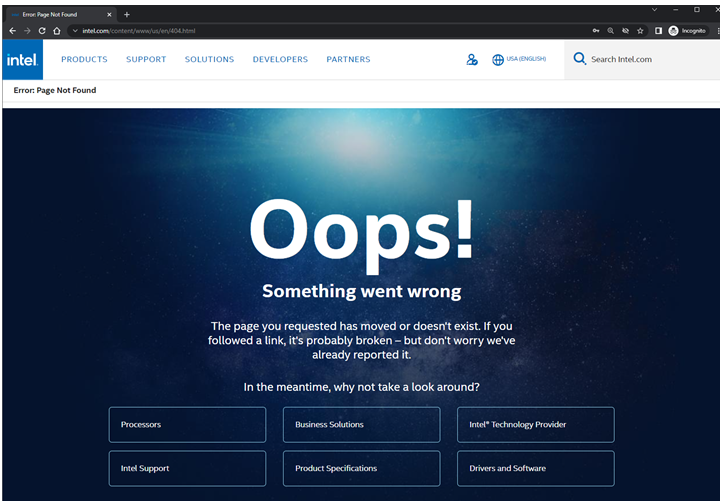
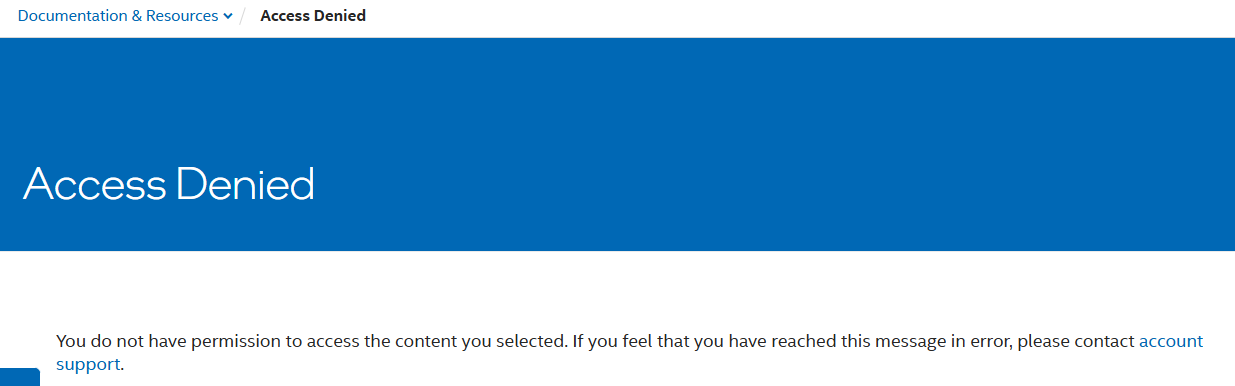
Sample reasons or errors you may encounter when the content is not accessible:

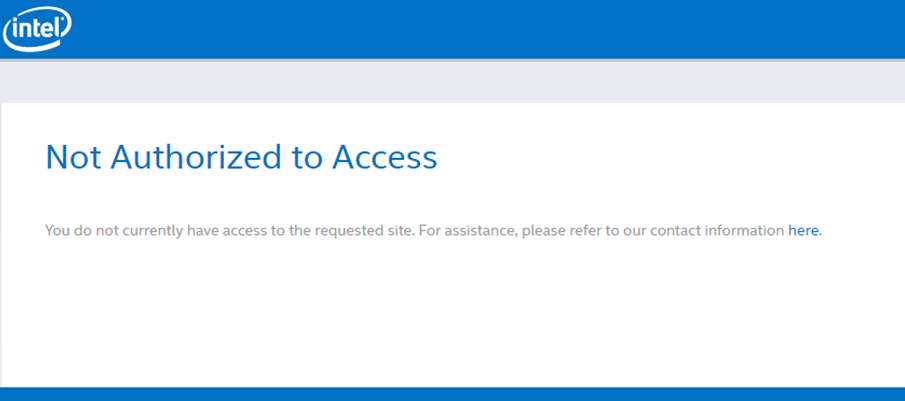
If the far-right section indicates a user has Developer Zone Premier, but the Not Authorized to Access page appears, that means the content is targeted to specific accounts.
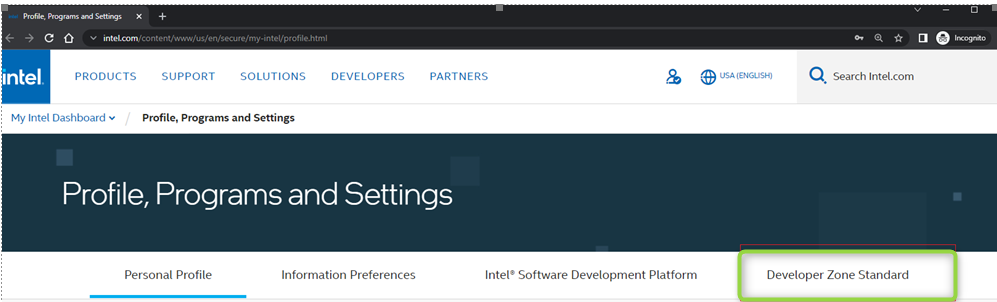

Note: For users who registered and approved for a Developer Zone Premier account from April 2022 onwards, Developer Zone Premier will not appear in the profile page.
Request an upgrade from Standard to Premier, by referring to How to Apply for an Intel® Resource and Documentation Center (RDC) and/or Intel® Developer Zone (DevZone) Account for guidance and complete the registration.
If any of the above issues or errors persist, if you don’t know who your Intel Account Owner is but would like to request access, or for any other document concern, you may reach out to Intel Customer Support for further assistance.
The Resource and Documentation Center and the Intel Developer Zone provide resources to: