Skip To Main Content
Support Knowledge Base

Cannot Access Intel Confidential Documentation from Intel® Resource and Documentation Center and/or Intel® Developer Zone

Content Type: Product Information & Documentation   |   Article ID: 000101488   |   Last Reviewed: 11/03/2025

Description

  • Can access Public content but not Intel Confidential (secure or targeted) content.
  • Download link is not working.
  • Can't open the layout despite using the latest version.
  • Encountered error SPMHOD-29, which indicates the file contains features not compatible with the version of software.
  • When trying to review, register or download content, receive one of these alerts:
    • Sign In page
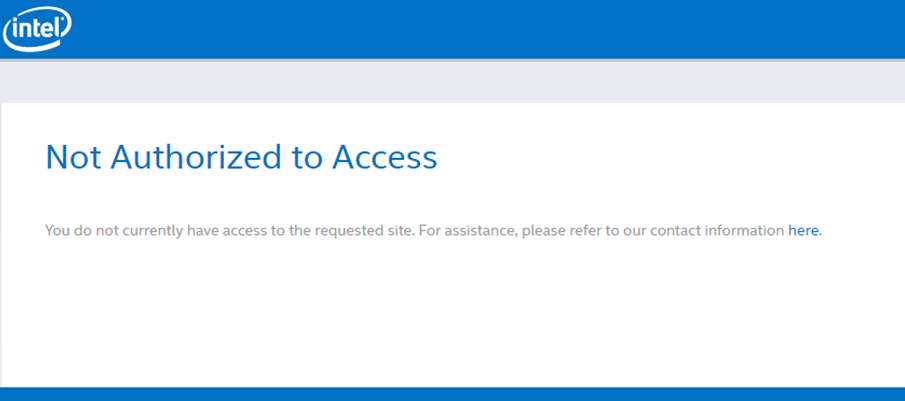
    • Not Authorized to Access page (You do not currently have access to the requested site. For assistance, please refer to our contact information here.
    • Additional Permissions Needed: You do not have permission to access the content you selected. If you feel that you have reached this message in error, please contact account support.
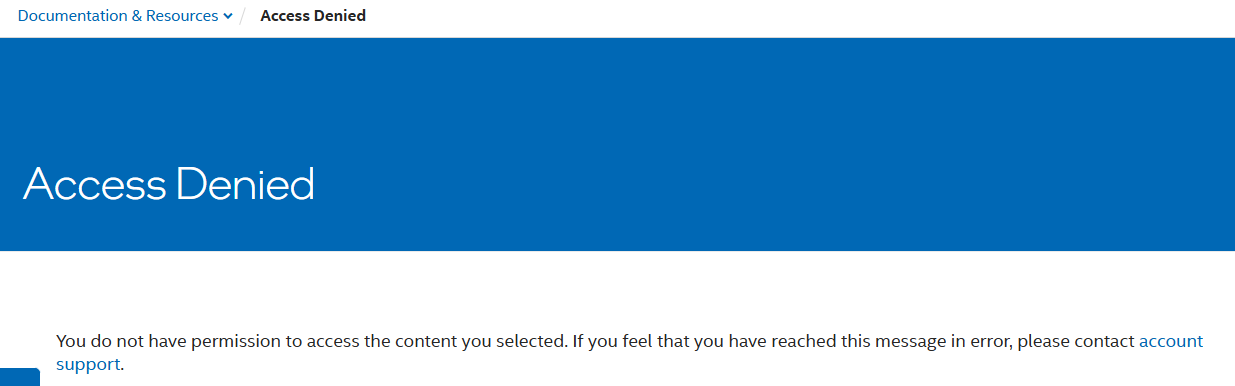
    • Access Denied page
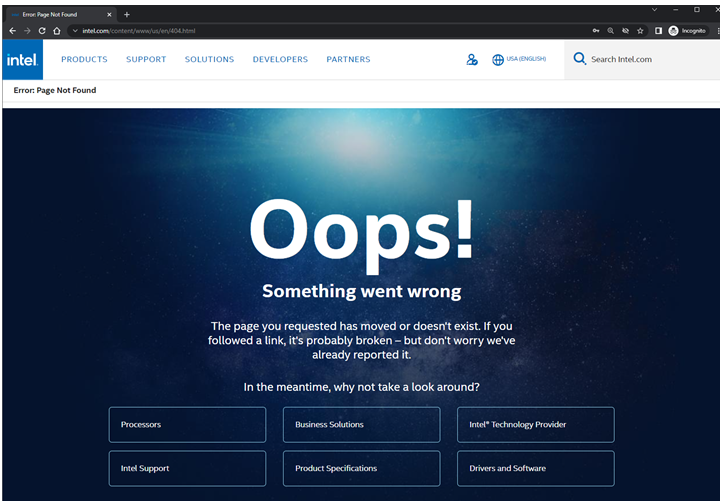
    • Error: Page Not Found 

Resolution

Accessing secured, targeted, Intel Confidential, or Internal-only content requires users to log in with a Development Zone (DevZone) Premier entitlement.
Ensure you have the appropriate entitlement before attempting to view secured content.  If a lock symbol appears in the document title, it indicates that specific authorization is required.  If you know who your Intel Account Owner is, you may reach out to them directly to request your access.

Alternatively, you may contact one of Intel’s Authorized Distributors in your country or region, who can assist you with your documentation needs.

Sample reasons or errors you may encounter when the content is not accessible:

  1. If the Sign In page appears:
  2. If your are logged in and the Not Authorized to Access page appears:

    Not Authorized to Access page


    • If the far-right section indicates a user has Developer Zone Premier, but the Not Authorized to Access page appears, that means the content is targeted to specific accounts. 
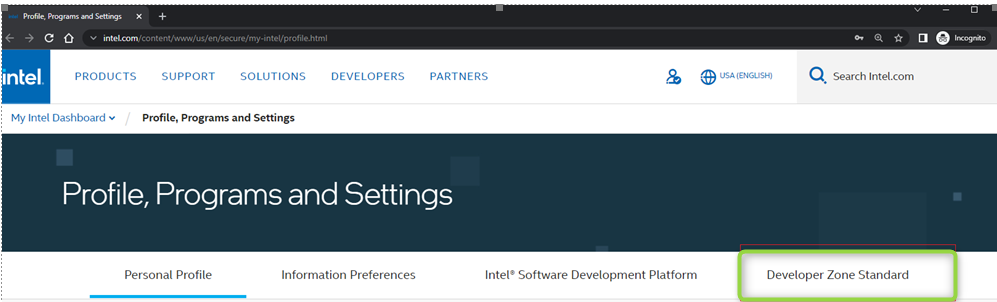
      Developer Zone Standard selected
       

  3. If you are logged in and the Additional Permissions Needed page appears:

    .Additional Permissions Needed page
    • This indicates that the external user does not belong to any of the approved groups or roles for this content. This requires coordination with your Intel Account Owner.
    • If you have Developer Zone Premier (DZP) entitlement and are unable to find the document you’re looking for, try searching for it by typing a relevant keyword. Refer to How to Search Documents in Resource and Documentation Center Website for guidance.
       
  4. If you are logged in and experiencing difficulty accessing documents, you may see the error messages displayed below.
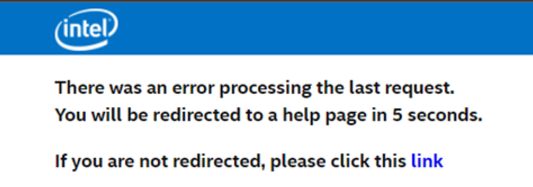
    • With a count-down that redirects to the intel.com 404 page that states, There was an error processing the last request. You will be redirected to a help page in 5 seconds.

      Error screenshot
       

    • It then goes to this error:

      Oops error screenshot

    • This can occur if the if the link has become broken or invalid. This may need to be coordinated with IT team for assistance.
       
  5. If logged in and the Access Denied appears.

    Access Denied screenshot
     

    • This indicates any of the following and may require coordination with your Intel Account Owner. If you know who your account owner is, please reach out to them to request your access.
      • Your account does not belong to any of the approved groups or roles for this content
      • Content has expired or no longer available
      • Content is only available for Intel employees
         

Note: For users who registered and approved for a Developer Zone Premier account from April 2022 onwards, Developer Zone Premier will not appear in the profile page.

  • This indicates that an external user has Standard access, which does not allow access to locked content.
    • To view account access/rights, go to My Intel Account profile by clicking the human icon in the upper right-hand corner of the menu.
    • Select Profile, Programs & Settings under My Intel Dashboard.
    • The far-right section will indicate a user has Developer Zone Standard or Developer Zone Premier, if applicable.
       

Request an upgrade from Standard to Premier, by referring to How to Apply for an Intel® Resource and Documentation Center (RDC) and/or Intel® Developer Zone (DevZone) Account for guidance and complete the registration.

If any of the above issues or errors persist, if you don’t know who your Intel Account Owner is but would like to request access, or for any other document concern, you may reach out to Intel Customer Support for further assistance.

Additional information

The Resource and Documentation Center and the Intel Developer Zone provide resources to:

  • Developer programs
  • Development tools
  • Public and Intel Confidential documentation
  • Developer training with live workshops, on-demand training, code walkthroughs, and more
  • Links to general computing topics and technologies
  • Links to communities and events and to some of our most popular support forums
  • A wide range of self-help resources