Unable to Install Microsoft Windows Server* 2019 in the Intel® Server M50CYP/M50FCP Product Families
Content Type: Troubleshooting | Article ID: 000087678 | Last Reviewed: 08/29/2025
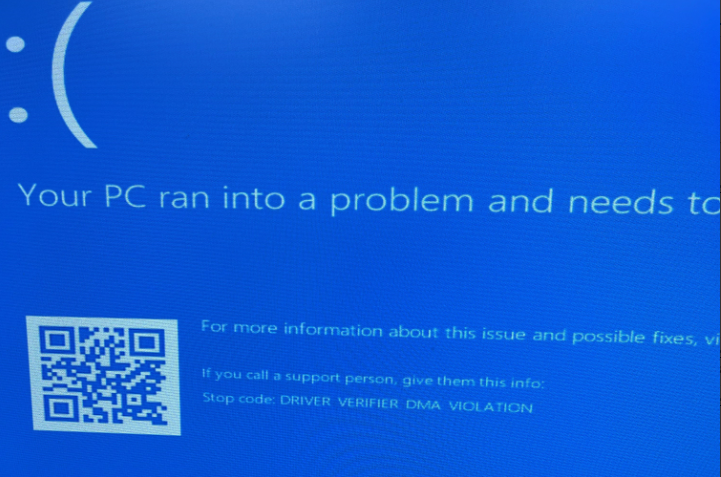
During Windows setup, the following message appears: Driver verifier DMA violation* at the beginning of the installation.
| Note |
There is no performance impact to limit CPU PA to 46 bits. |