Rebuild Degraded Intel® RSTe RAID Array Using Auto Rebuild Feature
Content Type: Troubleshooting | Article ID: 000024286 | Last Reviewed: 05/27/2026
What am I seeing?
Your Intel® RSTe RAID array shows as "degraded" status, indicating one or more drives have failed or are no longer functioning properly. The system may still be operational but is at risk of data loss.
What environment does this issue affect?
All Intel® Server Systems based on Intel® RSTe
How to fix it
When an array that was created through the Intel® RSTe gets degraded, the only way to rebuild it is using the Intel® RSTe application for Windows* operating systems (OS).
| Note | If you want to know how to install the Intel® RSTe application, refer to the How to Monitor Intel® Rapid Storage Technology enterprise (Intel® RSTe) Volumes from Windows* Operating Systems page. |
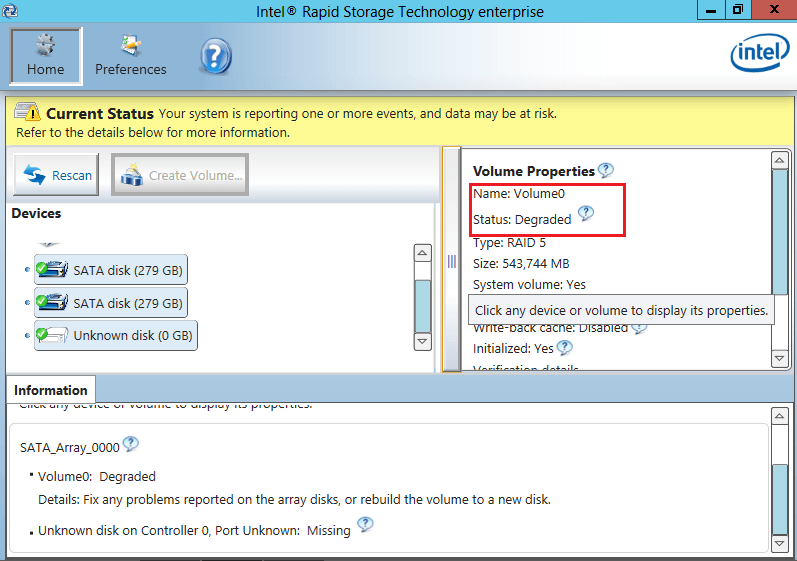
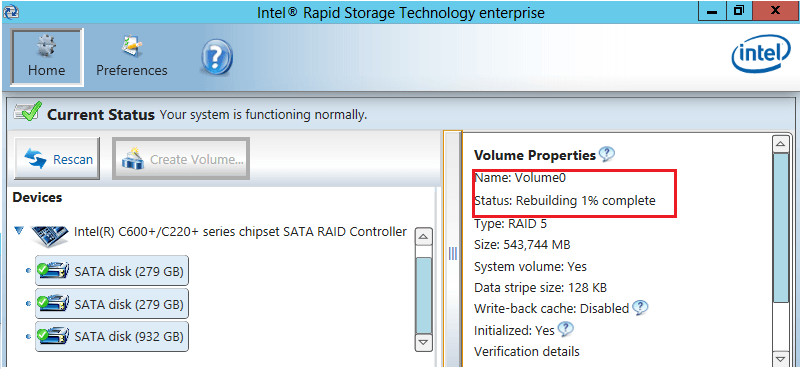
For more information, refer to the Auto Rebuild section (section 2.5.24) in Software User Guide for Intel® Rapid Storage Technology Enterprise (Intel® RSTe) for Windows.