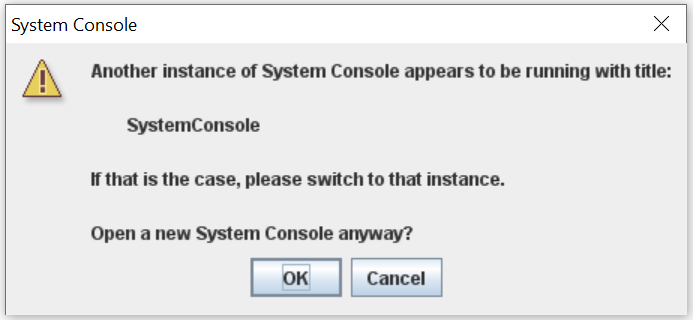
After exiting the Transceiver Toolkit and then relaunching it, a dialog box pops up stating “Another instance of System Console appears to be running with title: SystemConsole”. The device also can’t be reprogrammed over JTAG unless the board is powered down and turned back on.
This happens due to the process “quartus_py.exe” not being terminated properly upon exiting the System Console.
This problem is fixed beginning with the Intel® Quartus® Prime Pro Edition Software version 22.3.
To work around this problem in the Intel® Quartus® Prime Pro Edition Software version 22.1 or earlier, manually terminate the process “quartus_py.exe” before relaunching the System Console.
To do this, start the Task Manager of Windows and locate “quartus_py.exe” under the “Processes” tab, then click “End Task”.