Description
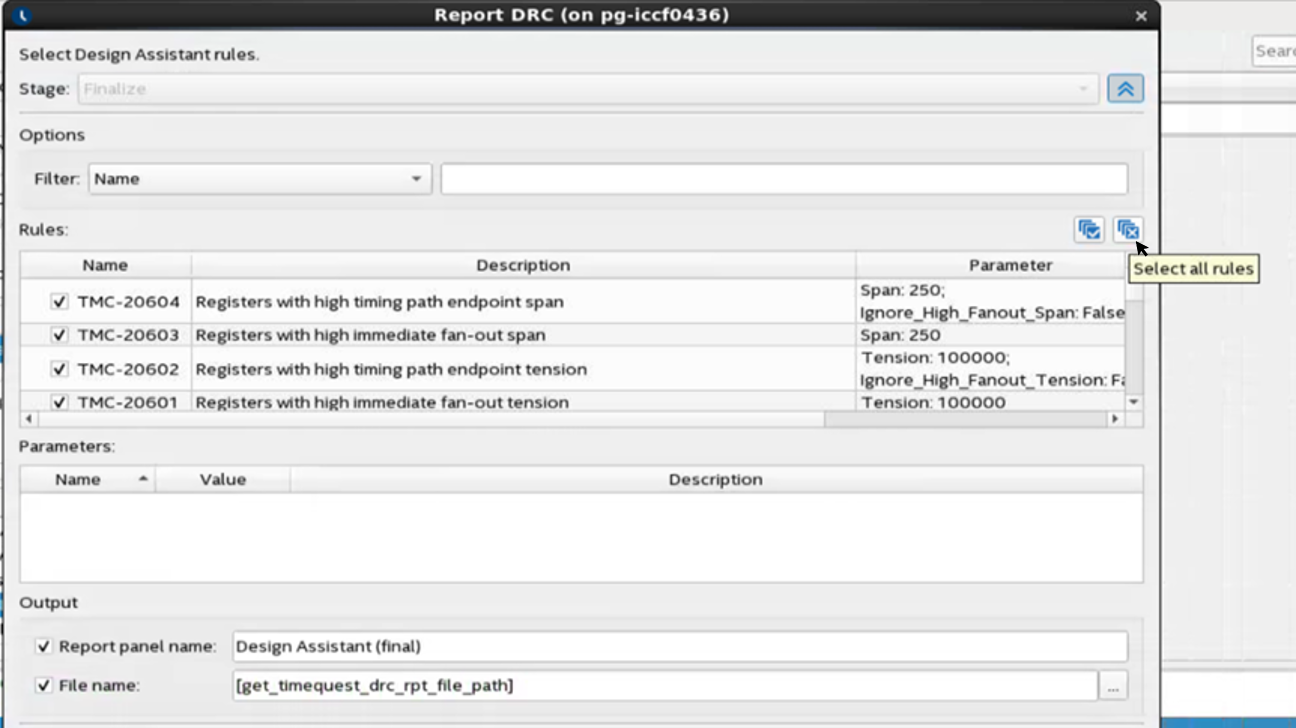
Due to a GUI problem in the Intel® Quartus® Prime Pro Edition software version 19.3 and earlier, you may see the wrong tool tip “Select all rules” when you double-click Report DRC under the Design Assistant folder in the Tasks pane of Timing Analyzer to open the Report DRC dialog box and move the mouse to the Deselect all rules icon.
Resolution
The incorrect tool tip is safe to ignore.
It is a GUI problem that was fixed in the Intel® Quartus® Prime Pro Edition software version 20.1 and the functionality is not affected.